The complete guide to the All Properties page. Every box, every button, every line on a listing card — in the order you would naturally use them. Nothing left out, including the things this page does not do.
01
Getting started
2
01
Opening the page
One page that holds every live property in DHA Lahore — plots, files, houses and commercial, for sale and for rent. There is no login needed to look.
Open All Properties from the top menu, or press Search on the home page.
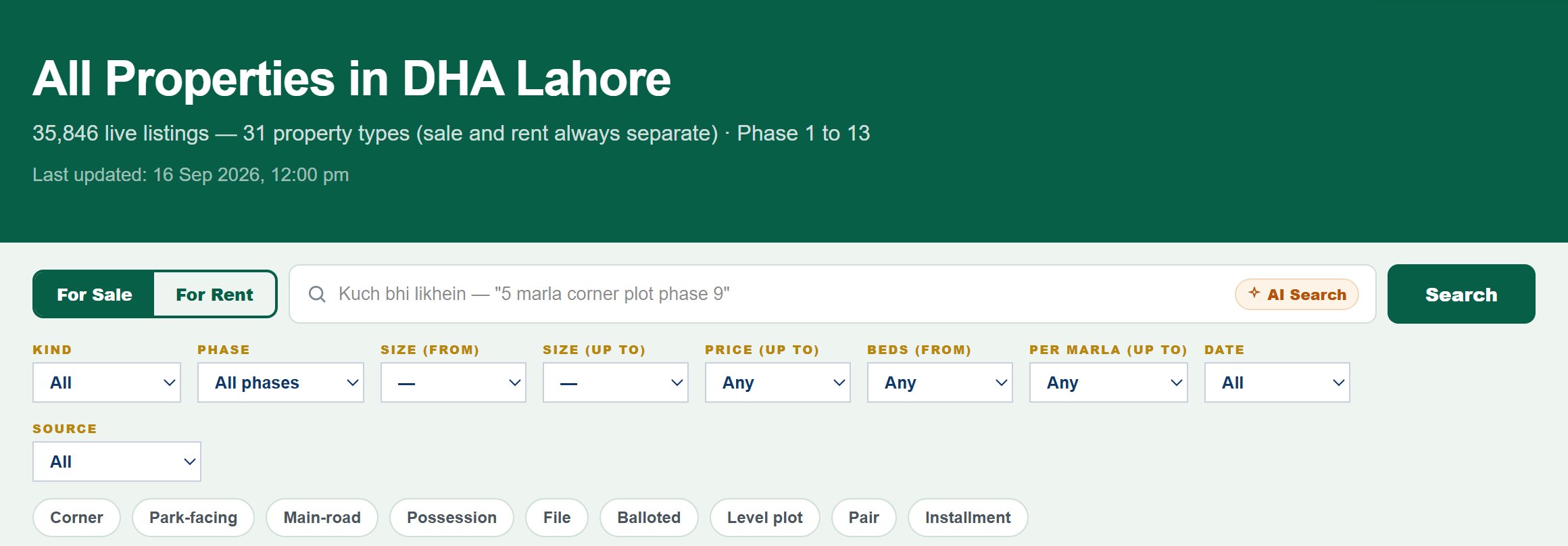
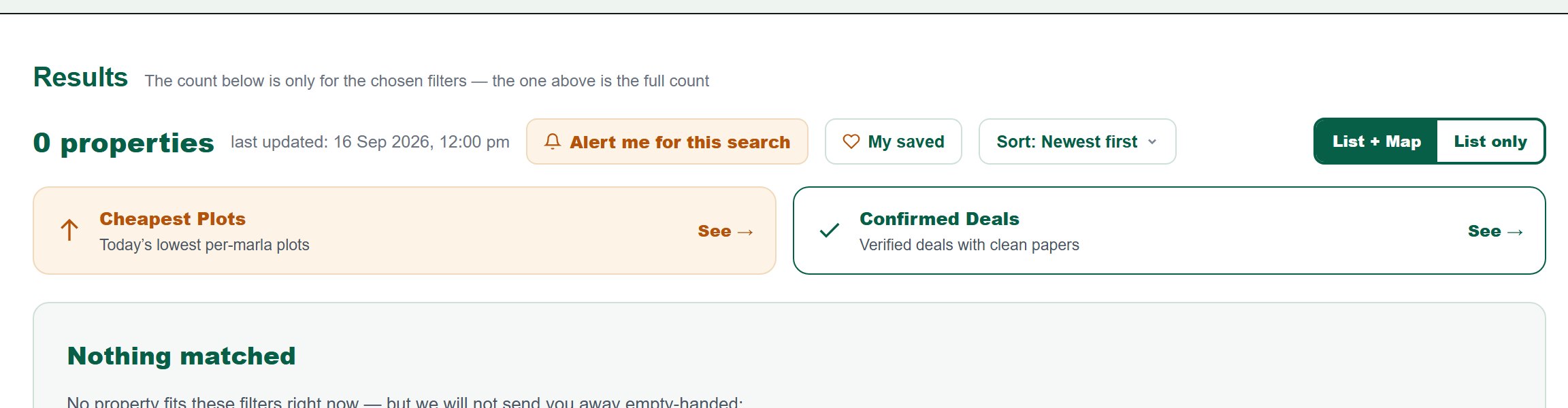
The dark header shows the total live listings we hold right now, and the date and time this page was last refreshed.
Under the header is the search strip: the For Sale / For Rent switch, the search box, and nine filter dropdowns.
Below that come the results, then the property-type buttons, then the phase boxes.
Everything you choose is written into the web address — so you can copy the address and send that exact search to someone.
Sale and rent are never mixed on this site. This switch decides which world you are looking at, and every filter below it works inside that world.
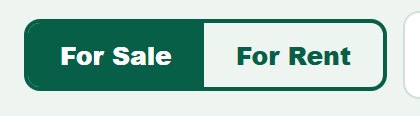
At the far left of the search strip is a two-part switch: For Sale and For Rent.
The side that is filled dark is the one you are in. For Sale is the default.
Press For Rent and the whole page changes — rent prices are monthly, and rent-only types (Upper Portion, Room, Warehouse) become available.
Changing this switch keeps your other filters and sends you back to page 1.
Why they are separate: a 1 Kanal house at 3 Crore and the same house at 3 Lakh a month are two different things. Mixing them would make every price list meaningless.
The search box understands a plain sentence. You do not have to learn any special words or order. Write the way you would say it to a dealer.
Click the wide box with the magnifying glass and type, for example, phase 9 facing park plots.
Press Search (or the Enter key).
The page reads your sentence, pulls out the phase, size, price, type and features it recognises, and sets those filters for you.
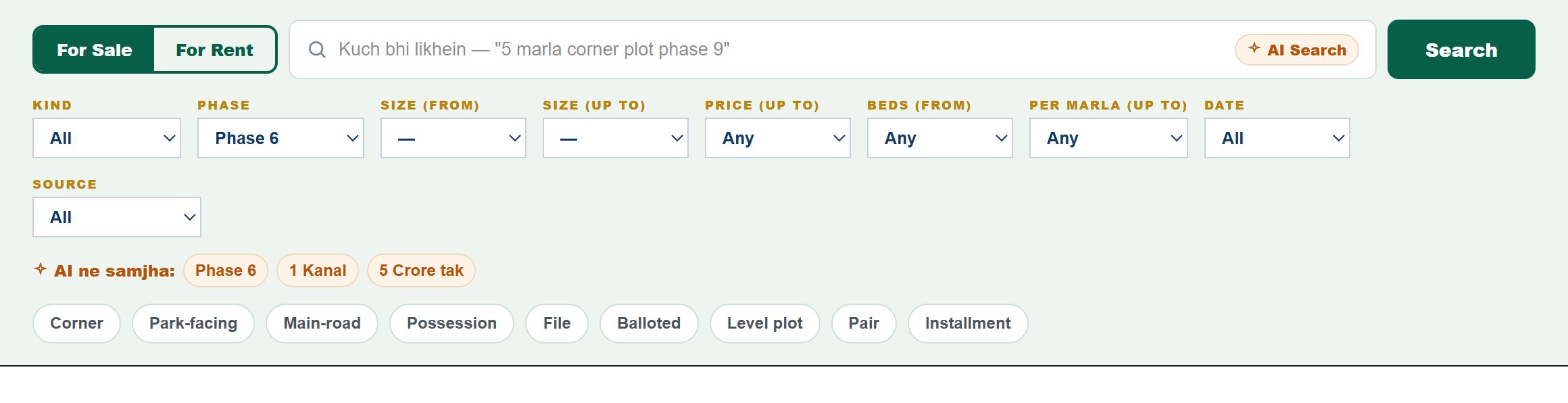
Under the box a gold line appears: Understood — followed by a chip for every single thing it understood.
Anything it could not turn into a filter is searched as plain text, and that is shown at the end of the same line.
The word AI Search on the right of the box is only a label. The whole thing runs on our own rules, on our own database — no outside service, no cost, and instant.
This is the full list. If a word is in this table, the box turns it into a real filter instead of a text search.
Write them in any order, and mix as many as you like in one sentence.
Both English and Roman Urdu work for all of them.
Numbers written as words work too: one kanal, ek kanal, do marla.
What you write
What it becomes
phase 6 · ph 6
Phase 6
phase 9 · 9
Phase 9 Prism — DHA rule: 9 on its own always means Prism
9 town · 9town
Phase 9 Town
prism
Phase 9 Prism
rahbar · rehbar
Phase 11
eme
Phase 12
park view · air avenue · ivy green · broadway
Phase 8 (its inner societies)
5 marla · 1 kanal · 20 marla
that size (20 Marla is shown as 1 Kanal)
3 crore tak · under 2 crore · 90 lakh
price up to that
3 bed · 4 bedrooms
that many beds or more
plot · file · house · commercial / shop / plaza
that property type
rent · for rent (Roman Urdu words work too)
switches to For Rent
corner · park / facing park · main road · possession · balloted · level · pair · installment
that feature chip
block c · c block · block 4q
that block
Filler words are ignored on purpose — dha, lahore, show me, I need and the same words typed in Roman Urdu. They used to shrink the results for no reason.
Reading the "Understood" chips — and correcting them
The gold chips are the page telling you, before you scroll, exactly what it thinks you asked for. Check them first; every wrong result starts here.
Type phase 6 1 kanal under 5 crore and search.
You should see three chips: Phase 6, 1 Kanal, Up to 5 Crore.
If a chip is missing, the page did not understand that part — write it more plainly (for example 1 kanal instead of 20 marlay ka).
If a chip is wrong, do not fight the sentence — just change the matching dropdown below; your own choice always wins over the sentence.
The last item on the line, searched as words, shows anything that was searched as plain text. If results look too few, that leftover word is usually the reason.
DHA Lahore has thirteen phases, but Phase 9 counts as two — Town and Prism are separate places with separate rates.
Open the Phase dropdown: Phase 1 to Phase 8, then Phase 9 Town and Phase 9 Prism as two entries, then Phase 10 to 13.
Pick one and press Search.
Leave it on All phases to search the whole of DHA at once.
If you typed a phase in the search box, this dropdown is already set for you.
Remember the rule: in the search box, 9 written alone always means Prism. For Town you must write 9 town. In this dropdown there is no confusion — both are written out in full.
Size is measured against the DHA record for that plot, not against what the agent wrote. That is the whole point of this filter.
Open Size (from) and pick 3, 5, 7 or 10 Marla, or 1 or 2 Kanal.
Anything smaller than your choice disappears.
Use it alone when you only have a floor: nothing under 10 marla.
Press Search.
The DHA rule: where a DHA record exists, the filter uses that size. So an agent calling a plot 1 Kanal does not slip into your 1 Kanal search if the DHA record says otherwise.
Per marla (up to) — the filter that finds real value
The most useful filter on this page, and the one most people never touch. Total price tells you what you pay; price per marla tells you whether you are paying too much.
Open Per marla (up to) and pick 20, 30, 40 or 60 Lakh, or 1 Crore.
Only listings whose price divided by their size comes under that stay.
Use it to compare across sizes fairly — a 5 marla and a 1 kanal plot can now be judged by the same yardstick.
Pair it with a phase to see the cheap end of one phase: Phase 6 plus per marla up to 30 Lakh.
Press Search.
The division uses the DHA record size wherever that exists — so the per-marla figure cannot be flattered by an agent overstating the size.
A listing seen two months ago may already be sold. This filter keeps only what the market has confirmed recently.
Open Date and pick 24 hours, 7 days or 30 days.
Only listings last seen inside that window remain.
Use 24 hours when you want today market, before anyone else has called.
Leave it on All to see everything we hold.
Press Search.
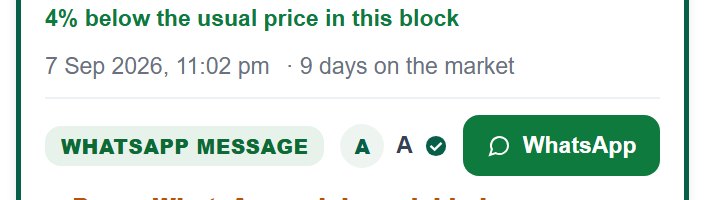
Every card also carries its own date and time, and a line saying how many days it has been on the market — so you can judge freshness one listing at a time as well.
Under the filters sits a row of nine round chips. These are the things buyers actually argue about — corner, park-facing, road. One tap adds one, another tap removes it.
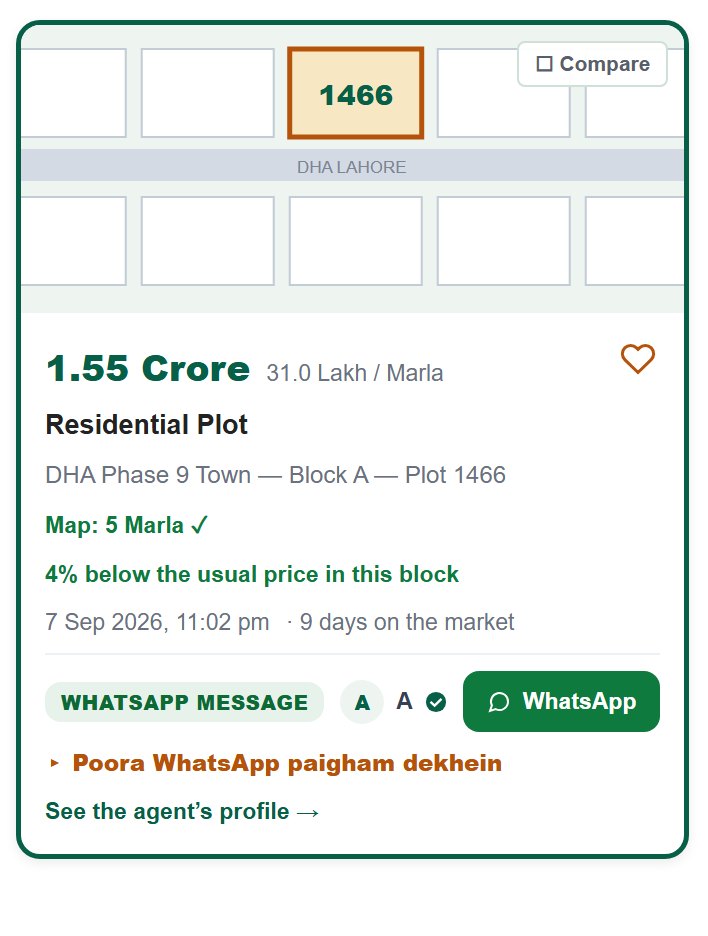
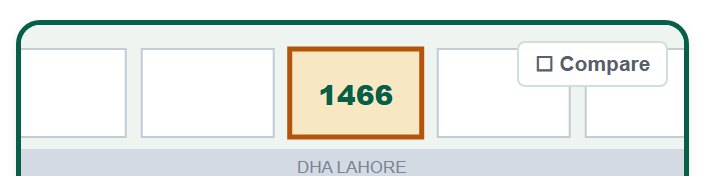
Every card starts with a small drawing of a row of plots, with one plot lit in gold. That lit plot is this listing, and the number written on it is its plot number.
The gold-outlined plot is the one you are looking at.
The number inside it is the plot number; where there is no number, the size is written instead.
The grey band across the middle is the road.
This is a drawing, not a photo — it is here so you can recognise a card at a glance, not to show you the plot.
The big dark number is the asking price. The small grey number beside it is the same price divided by the size — and that is the number that tells you the truth.
The price is written in Crore above one crore, and in Lakh below it.
Where the agent did not state a price, it says Price: ask.
Beside it, in small grey letters, is per Marla — the price divided by the DHA record size.
Two plots at the same total price can be very far apart per marla. Always read the small number too.
The grey line under the title: phase, block and plot number, in that order.
It reads, for example, DHA Phase 9 Prism — Block K — Plot 1006.
Where the block is missing, only the phase is shown.
Where the plot number is missing, that part is left out rather than guessed.
This line is also what the map uses to light up the right plot when you hover over the card.
This is the owner rule for every listing page on the site: phase and block must appear in three places, so nobody can ever mistake which phase they are looking at.
The most important line on the card, and the one that protects you. It shows the size according to DHA own record, not according to the agent.
In green it reads Map: 5 Marla with a tick — the DHA record and the agent agree.
In gold it reads Map: 10 Marla · the agent wrote 1 Kanal — they do not agree, and we show you both.
We never hide the disagreement and we never quietly take the agent side.
When this line is in gold, ask the agent about it before you go any further.
The owner rule: DHA own record is final. Every size on this site — in the filters, in the per-marla price, and on this line — is measured against that record first.
A single line that answers the question every buyer asks: is this a good price? We compare it with the usual per-marla price of that very block.
In green: 14% below the usual price in this block — worth a closer look.
In gold: 9% above the usual price in this block — the seller is asking more than his neighbours.
The comparison is per marla, against the average of that block, and only where we hold at least three listings from that block.
Tiny differences (under 2%) and absurd ones (over 60%) are not shown — the first is noise, the second is usually an error.
This line is not advice. A plot can be dearer for a good reason — corner, park, wider road. It only tells you where the price sits, so you know what to ask about.
The single most useful thing on the card, and the one most people never open. It is the dealer original message, word for word, untouched.
On WhatsApp listings, a gold line at the bottom reads Show the full WhatsApp message.
Press it and the original message opens underneath.
Inside you usually find much more than the card could hold: other plots in the same block, the real reason for the price, DP pole, dues, possession, the seller situation.
Press it again to close it.
We do not edit, shorten or polish these messages. You read exactly what the dealer wrote — including the parts that do not flatter the plot.
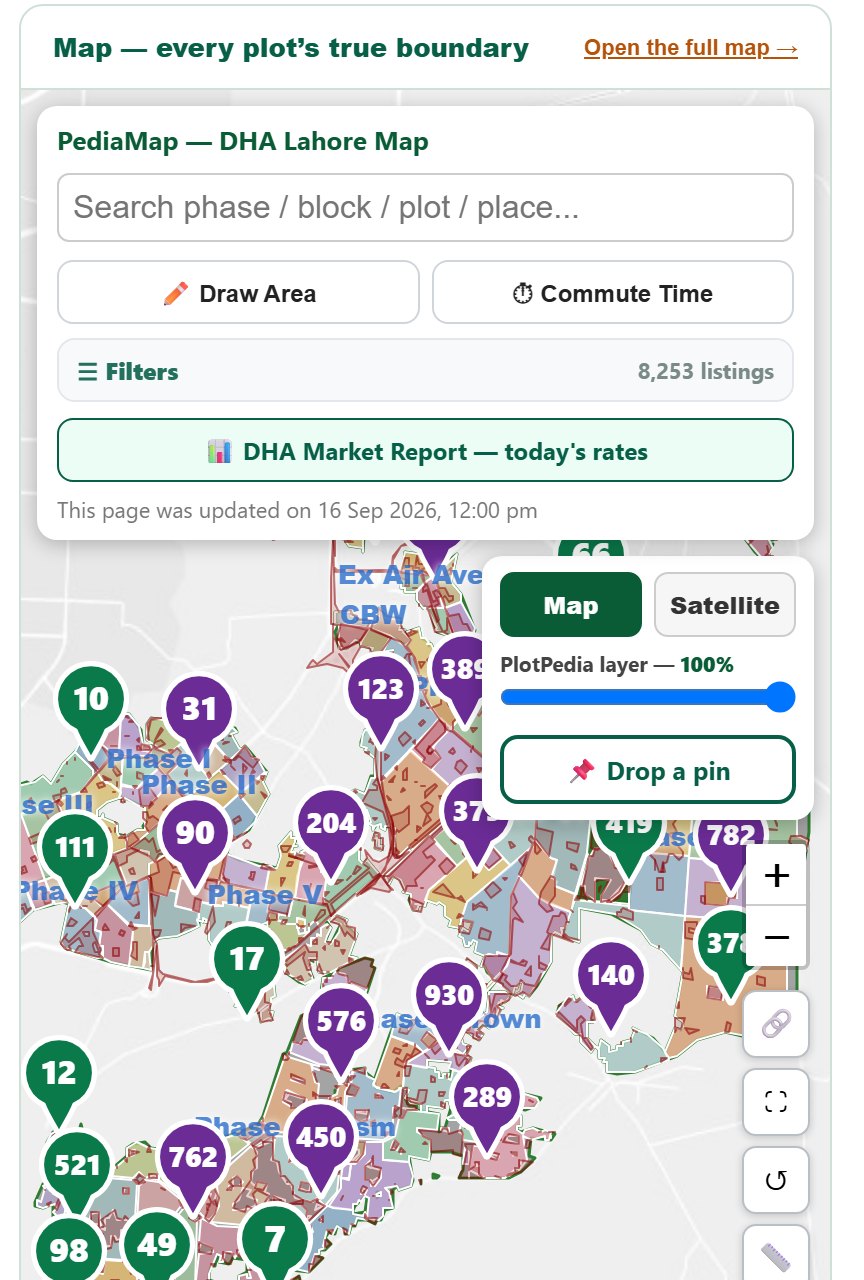
The quiet trick almost nobody finds. Move your cursor over a listing and that exact plot lights up on the map beside it.
Move the mouse over any card in the list — do not click.
On the map, that plot lights up immediately.
Move to the next card and the map follows you.
This is how you see, in seconds, whether a listing is really near the park, the boulevard or the entrance it claims.
It needs a mouse, so it works on a computer and not on a phone. It also needs the plot phase, block and number to be known — the map cannot light up a plot we could not identify.
Scrolling back and forth between two listings is how mistakes are made. Tick them instead and see them side by side in one table.
On the top-right corner of any card picture is a small ☐ Compare box. Tap it — it turns gold.
Tick between 2 and 4 properties. A white bar appears at the bottom right showing how many you have picked.
Press See the comparison in that bar.
A table opens with the properties as columns and nine facts as rows: Price · Per marla · Size · Kind · Phase · Block · Plot No · Last updated · Source.
Press Clear in the bar to drop the selection and start again.
Pick a fifth and the oldest one quietly drops off — four columns are as many as a table can be read across.
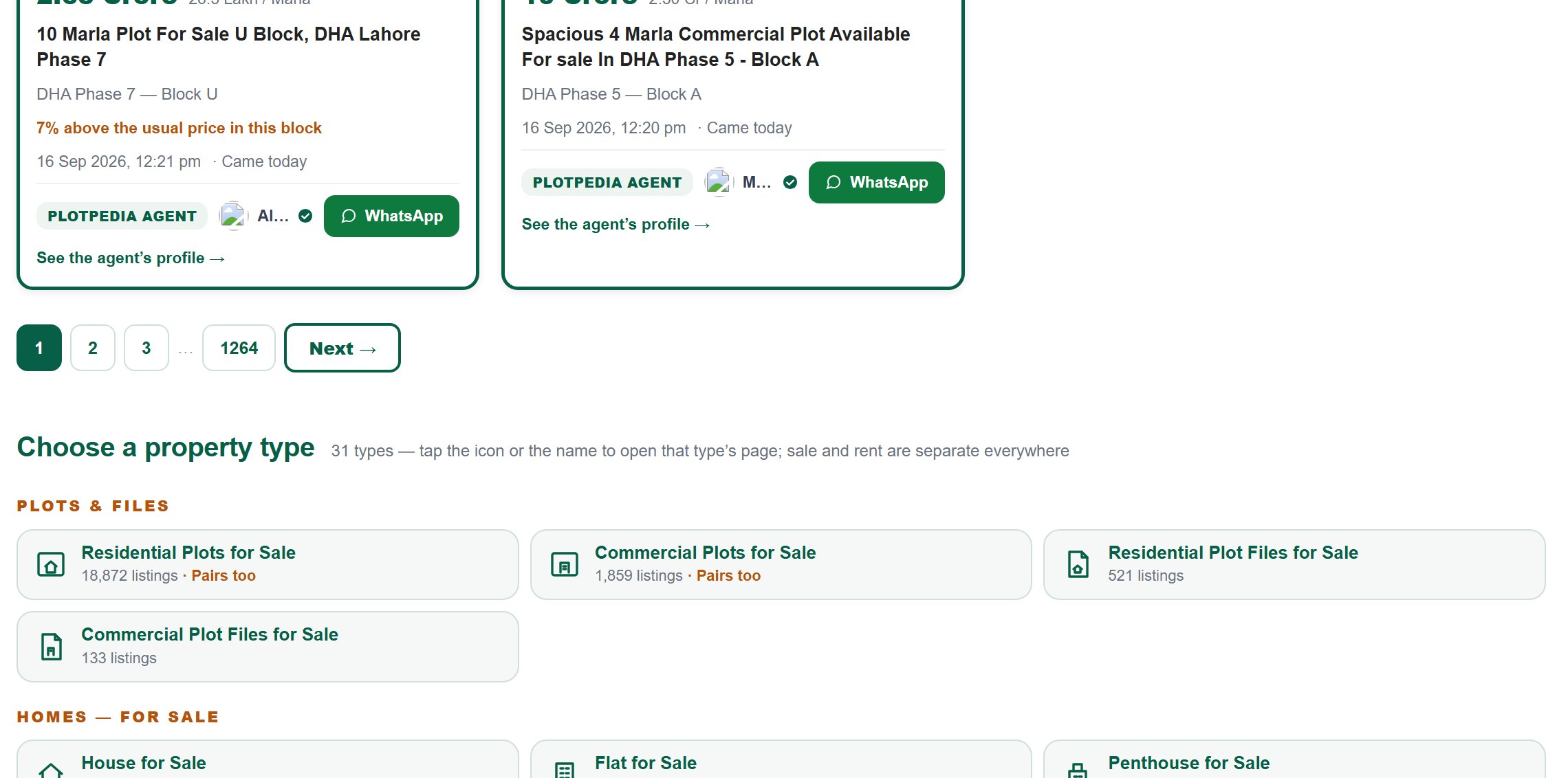
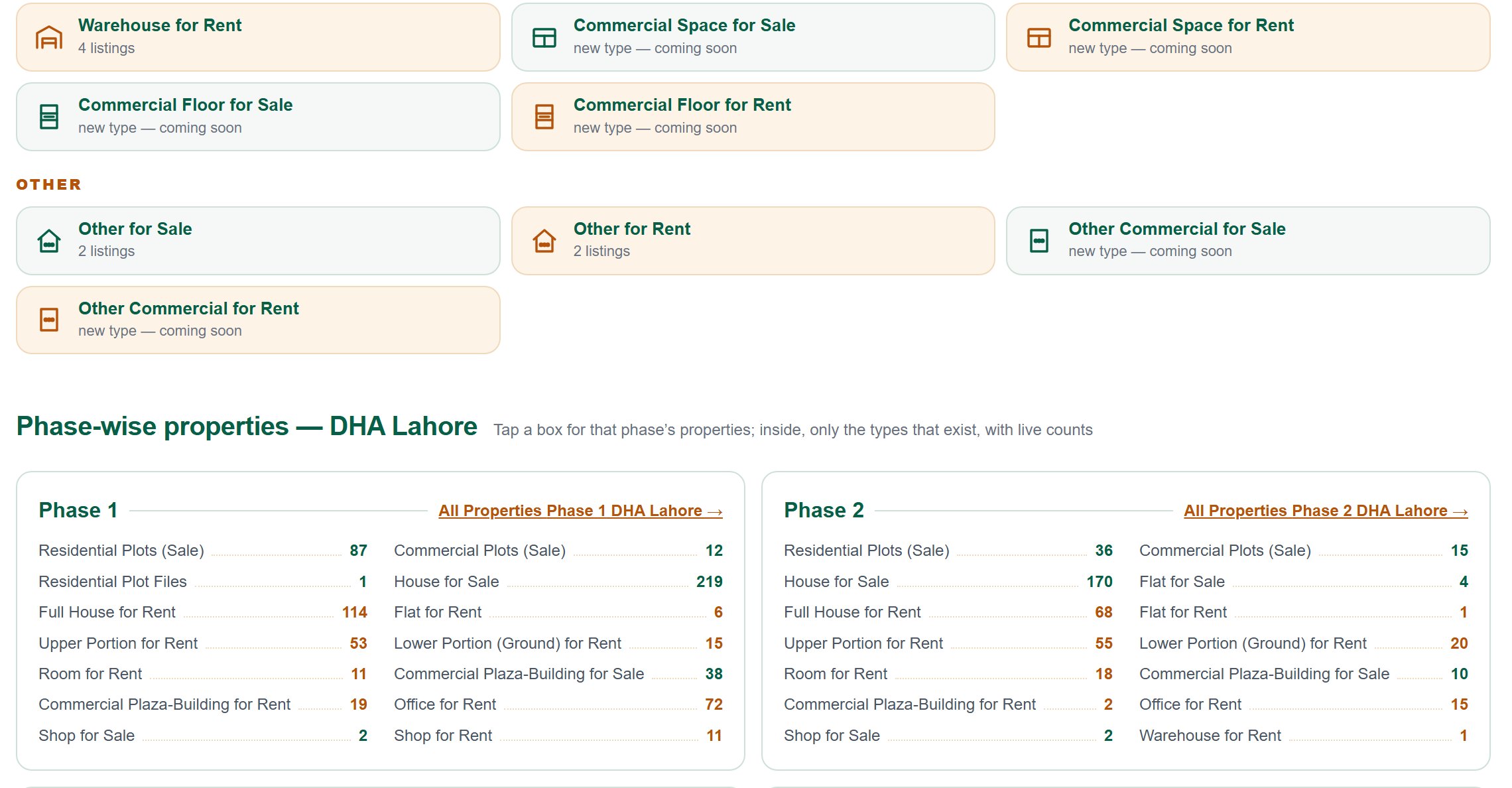
Under the results are 31 buttons, in five groups. Each one opens a ready-made page for that exact type, with its own live count.
The five groups are Plots and Files, Homes — For Sale, Homes — For Rent, Commercial, and Other.
Under each name is its live count — how many of that type we hold right now.
Buttons with a gold edge are rent types; the dark-edged ones are sale.
Some say new type — coming soon: the type exists in our system but no listing has arrived for it yet. We would rather show you an honest empty shelf than hide it.
Where a type also has joined plots, the words Pairs too appear in gold.
Sale and rent are separate buttons everywhere — never one button with a switch. That is deliberate.